Is your skincare routine actually working?
Is it working?Run a fair test.
Take a baseline photo, use one product for one concern, and check back weeks later. ProofLoop tells you whether the score moved further than normal measurement variation, or says plainly that it can't tell yet.
Hydration, example trial
Baseline 69, normal variation ±5
69
- Baseline
- 69
- Check-in
- 69
- Change
- 0
- Hydration
- Oil balance
- Redness
- Texture
- Pores
- Blemishes
- Radiance
- Under-eye
- Measured by YouCam
- Compared over weeks
The problem
The mirror is a bad instrument.
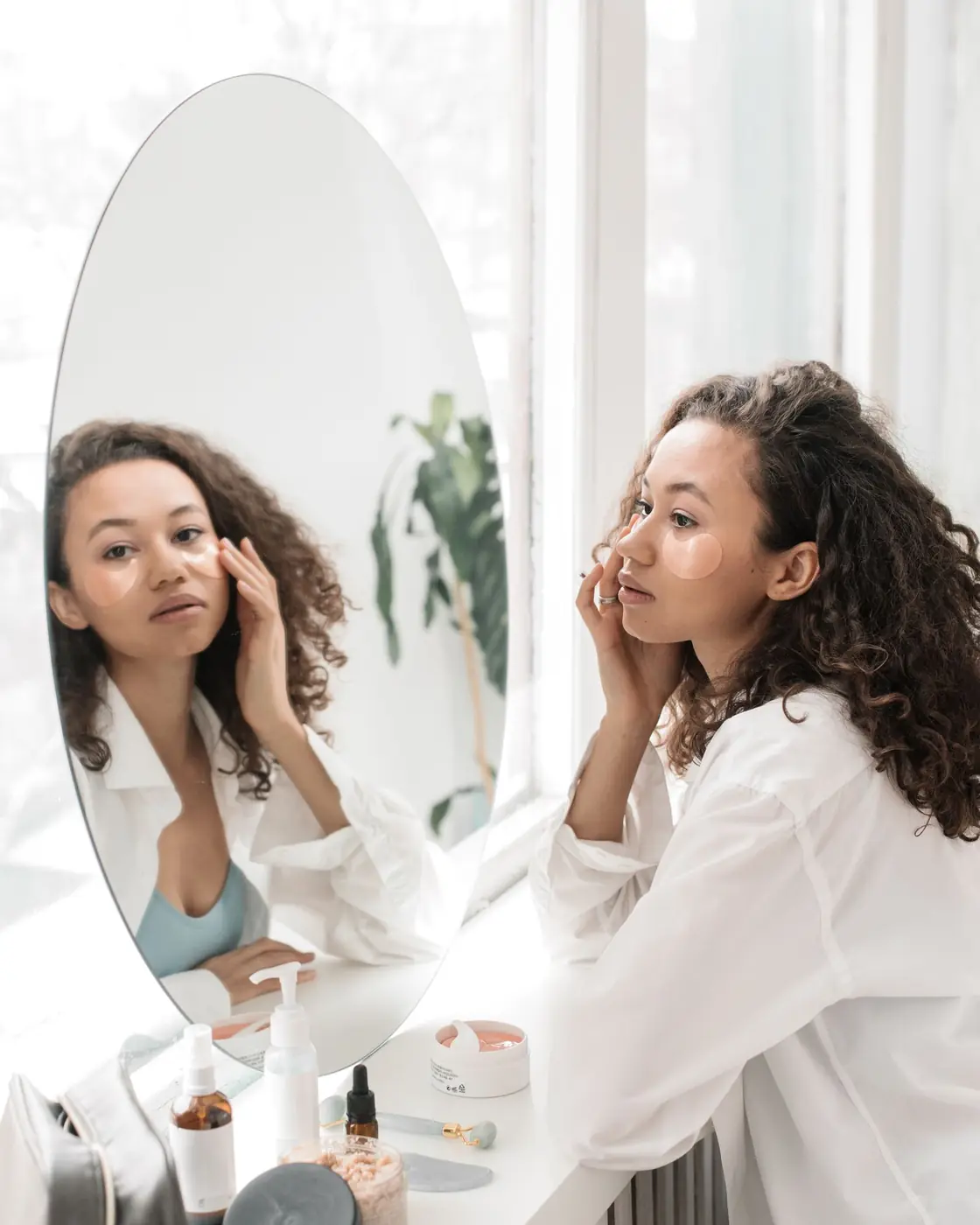
Three weeks into a new serum, you look and hope. Different light, a good night's sleep, a new camera — any of them can look like progress. Without a baseline and a sense of normal variation, a small change is a guess.
Why a fair test
A change only counts if it's bigger than the noise.
Before trusting a number, we measured how much the instrument wobbles on its own. On 11 October 2026, ten live analyses of one face gave these results.
How much scores moved when the skin didn't
0
Same photo, analysed twice
The live API gave identical scores.
≤2
Reframed, shifted or 18% darker
The skin hadn't changed; scores moved by at most 2.
5
Same photo re-encoded in the browser
Pores and texture moved most: fine detail is sensitive to sharpness.
So a check-in has to move further than this
Radiance, under-eye
±3 measured
Hydration
±5 measured
Pores, texture
±7 measured
Blemishes, oil balance, redness
±7 assumed
One face, ten analyses: a floor for real-world variation, not a validation study. Concerns that scored 99–100 on the test face couldn't be measured, so they get the widest band, ±7, labelled “assumed”. An optional instrument check can widen your own band before anything counts — never narrow it.
Read the method and its limitsHow it works
Six steps from a hunch to a fair answer.
The test is set up before you know the outcome, so the result can't be talked into anything.
The verdict
Three honest answers. None of them guaranteed.
Every check-in ends in one of three readings, judged against the plan you fixed on day 0. Pick one to see how the dial reads it.
Within normal variation.
The difference is inside the band we see between scans of unchanged skin. That's an honest answer, not a failure — many products take longer, and some don't change what a camera can measure.
Example: hydration 69 → 72, band ±5.
+3
vs band ±5
- Upright needle: your baseline
- Berry arc: normal variation, ±5
- Red needle: the check-in, dashed while inside the band
Inside the app
Every screen is built around the evidence.
Each number says where it came from: a live YouCam scan, the recorded sample, or the labelled synthetic demo.
A real YouCam Skin Simulation, only when you ask. Rendered from your own photo for supported concerns, it shows what a goal looks like, never what a product will do. There's no example here because it needs your photo.
Trust
What we promise, and what we don't.
A measuring tool is only as useful as its stated limits. Here are ours.
What ProofLoop does
YouCam does the measuring
Scores come from the YouCam AI Skin Analysis API. ProofLoop shows them as returned and never fills in a missing one.
The rules are fixed before the check-in
The band and the scores that would count as up or down are saved when the trial starts and don't move afterwards.
The baseline photo can't be reused
A one-way fingerprint of each cleaned photo lets a check-in refuse the baseline photo, which would score identically.
What it can't tell you
Say why a score changed
A measured change after starting a product isn't proof the product caused it. ProofLoop says so every time.
Predict a product's result
Skin Simulation visualises a goal. It is not a prediction of what any product will do.
Diagnose or treat
It measures how skin looks in a photo. It isn't a medical device.
Your photo is stripped of metadata, sent to YouCam and discarded. ProofLoop never stores it.
Scores and trials sit under an anonymous session. One button on My trials deletes everything.
How it works & privacyStill wondering if it's working?
Give your next skincare trial a baseline, a fair comparison, and a clearer answer. It takes one photo to start.
Day 0
your baseline, before anything changes